
Key takeaways
- Prioritize a clear face over a perfect pose.
- Use even light and enough contrast between the pet and background.
- Crop away clutter, but do not cut off the face.
- Keep a second photo ready if the first result misses an important feature.
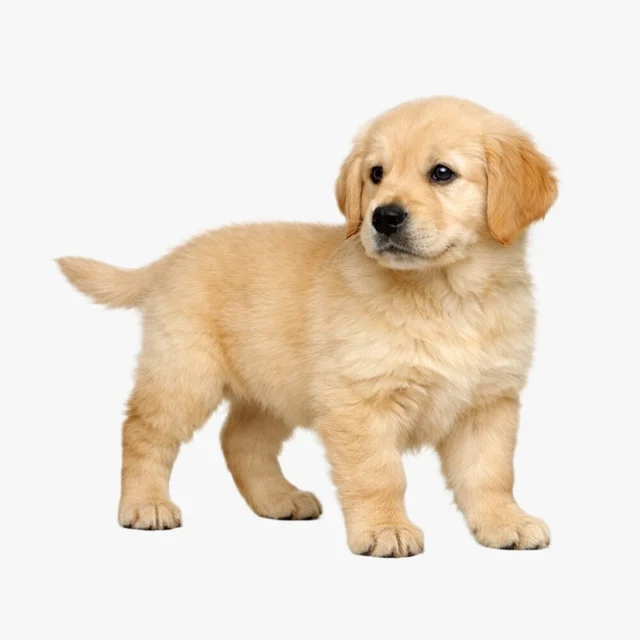

Use a five-point photo check
Before uploading, look at the photo at normal phone size. If you can immediately tell where the eyes, nose, ears, and face outline are, the image is usually a strong candidate.
- One pet is the clear subject.
- The face is large enough to see without zooming.
- Light reaches both sides of the face.
- The background does not match the pet's fur too closely.
- There are no stickers, captions, or filters covering features.
Watch for the four common misses
Motion blur softens the face, backlighting turns details into a silhouette, extreme close-ups hide the head shape, and group photos make the intended subject ambiguous. A casual photo that avoids these issues is more useful than a dramatic photo that includes them.
Crop gently and keep the original
A light crop can make the pet easier to see, but leave a little space around the ears and chin. Keep your original photo outside the app so you can return to it, and review Mongchi's Privacy Policy for the current photo-handling details.
Sources and product review
Mongchi is a gentle entertainment companion. AI chat replies are generated and are not your real pet's thoughts or professional advice.