
Key takeaways
- Notice first; do not tap through every action automatically.
- Choose one care action that fits the moment.
- Add one short relationship action when you have time.
- Close the app without treating care as a streak obligation.
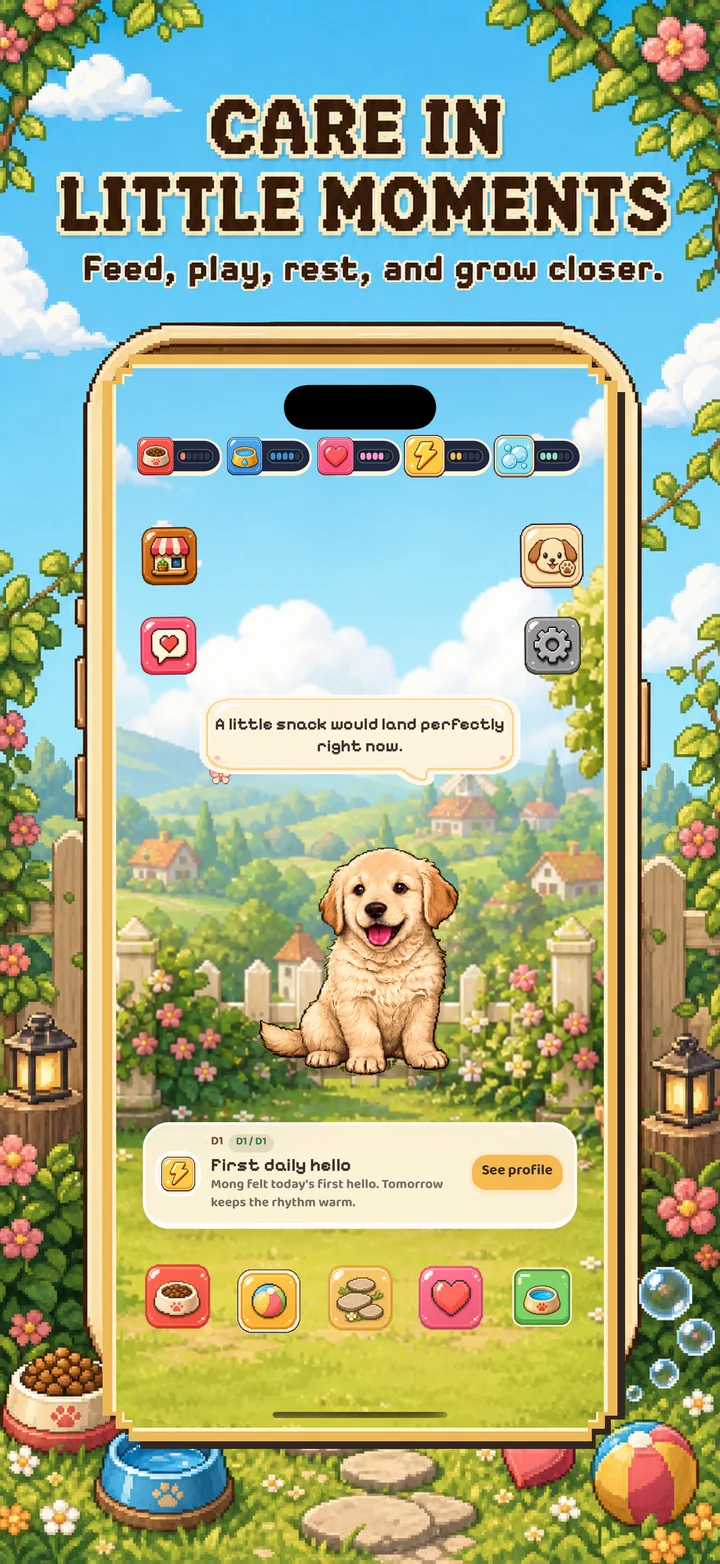

Minute 1: notice the garden
Open the app and take a quick look at the weather, garden mood, and your companion. This makes the check-in feel like visiting a small place rather than opening a task list.
Minute 2: choose one care action
Feed, play, rest, or use another available care action that fits what you see. One deliberate choice is enough for a brief visit. Mongchi is designed around care at your pace, so missing a day should not turn the next visit into a recovery chore.
Minute 3: leave one small trace
If you have another minute, say hello, start a walk, look at a recent find, or change a cozy detail in the garden. These small actions give future visits continuity without requiring a long session.
Make the routine fit real life
Attach the check-in to a naturally quiet moment—after breakfast, during a commute break, or before bed. If the routine starts feeling like an obligation, shorten it. A sustainable ritual is more valuable than a perfect streak.
Sources and product review
Mongchi is a gentle entertainment companion. AI chat replies are generated and are not your real pet's thoughts or professional advice.